Insurance repairs
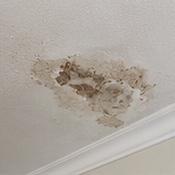
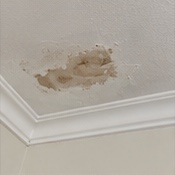
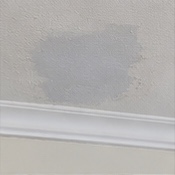
The insurer wants before, during and after. Missing one can hold up the claim.
- Damage on arrival
- Cause or source
- Make-safe
- Repair in progress
- Finished repair
Drop Work · for repair and maintenance crews
Your team keeps using the iPhone Camera. Drop finds every job’s photos, catches what’s missing while they’re still on site, and builds the record your client or insurer asks for.
AI-generated footage · sample job
Job · Today
Ceiling repair · 3 crew · 16 photos
See it work
Private by design
A tech’s camera roll is work, kids, dinner and the dog. Drop only ever suggests the work, and nothing leaves the phone until the person who took it says so.
 8:41
8:41
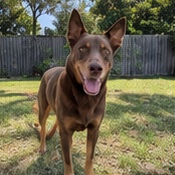 8:42
8:42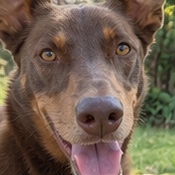


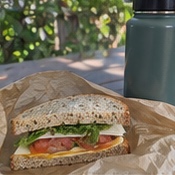 8:45
8:45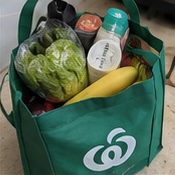
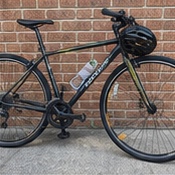
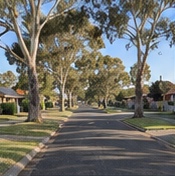
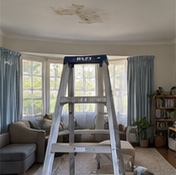 9:06
9:06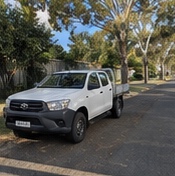
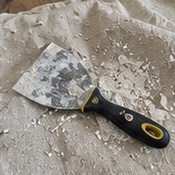 9:18
9:18


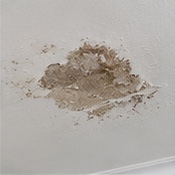 9:24
9:24
 10:12
10:12

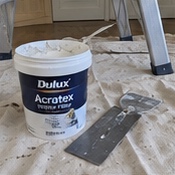 10:15
10:15


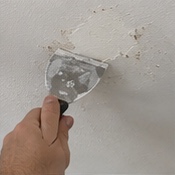 11:03
11:03
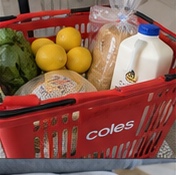
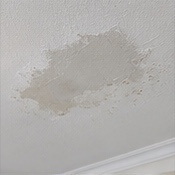 12:28
12:28

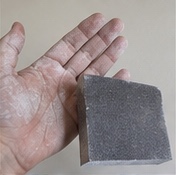 1:42
1:42
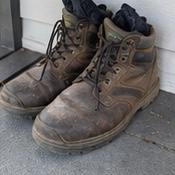
 2:06
2:06
What the client gets
Every required photo, who took it and when, in one PDF. Attach it in your job software, or send it straight to the client or insurer.
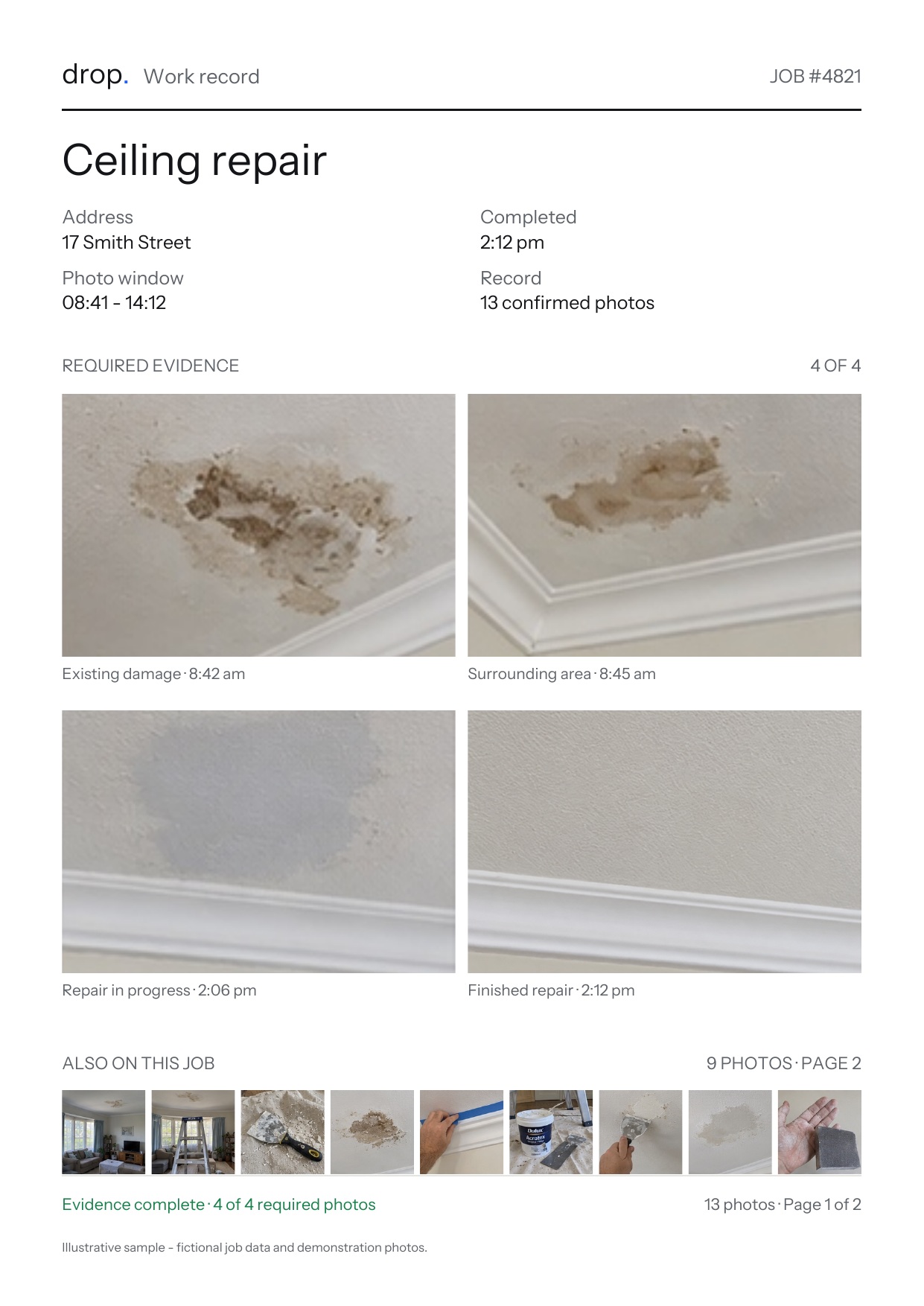
You decide what every job type has to prove. Drop checks each job against its list before it closes. Some examples:
The insurer wants before, during and after. Missing one can hold up the claim.
Show the tenant, owner or property manager exactly what was found and fixed.
End-of-lease, routine and pre-start inspections with nothing skipped.
Hot water, appliances and fit-offs with the evidence the warranty needs.
Most teams already collect job photos somehow. The trouble is what happens between the photo and the finished job.
Photos end up spread across chats and phones. Nobody checks what’s missing, and personal photos get mixed in.
Photos only get there if someone uploads them, usually back at the van or the office. Gaps show up when the client asks.
Most ask the crew to take photos inside another app. On a busy job, that’s the first thing that gets skipped.
Your crew keeps using the iPhone Camera. Drop finds each job’s photos on every phone, checks the list while they’re still on site, and builds the record.
Works alongside ServiceM8, Fergus, simPRO, Tradify, AroFlo and other job management software. Attach the PDF to the job.
No. They keep using the iPhone’s built-in Camera. Drop does its work afterwards, when someone opens it to review the day’s photos.
It compares when and where each photo was taken with the job’s time and address. Every suggestion is confirmed by a person before anything is added.
No. Only photos a person confirms for a job ever leave their phone.
No. Drop handles the photo record and works alongside the software you already use for scheduling and invoicing, such as ServiceM8, Fergus, simPRO, Tradify or AroFlo. Export the PDF and attach it to the job.
Photos stay in each person’s camera roll until they confirm them for a job. Confirmed photos and job records are stored with our cloud providers so your team can open them. Your setup request is kept privately so we can reply. The privacy policy sets out what we keep and for how long.
Drop Work is in early access on iPhone, and we’re onboarding teams now. We set each team up with you: your job types, the photos each one has to prove, and getting your crew onto the app. Any fees are agreed in writing before anything is charged.
Early access · Now onboarding teams
A$299 a month
Up to 10 field users. Setup included.
Founding teams keep this price for 12 months.
Made in Perth. You’ll deal with the founder directly, not a call centre.